
SpamSieve 3.3.1
July 15th, 2026 (SpamSieve)
Version 3.3.1 of SpamSieve is now available.
Save time by adding powerful spam filtering to the e-mail client on your Mac. SpamSieve gives you back your inbox, using Bayesian spam filtering to provide amazing accuracy that’s constantly improving. SpamSieve learns and adapts to your mail, so it’s able to block nearly all the junk—without putting good messages in the Junk mailbox. It’s quick and easy to control SpamSieve from within Apple Mail, Outlook, Airmail, MailMate, MailMaven, GyazMail, and more.
SpamSieve running on your Mac can keep the spam off your iPhone/iPad, and you can even train SpamSieve from your iOS device. SpamSieve protects your privacy. It does not need access to your mail account login and does not transmit your mail data anywhere. All the processing is done on your Mac.
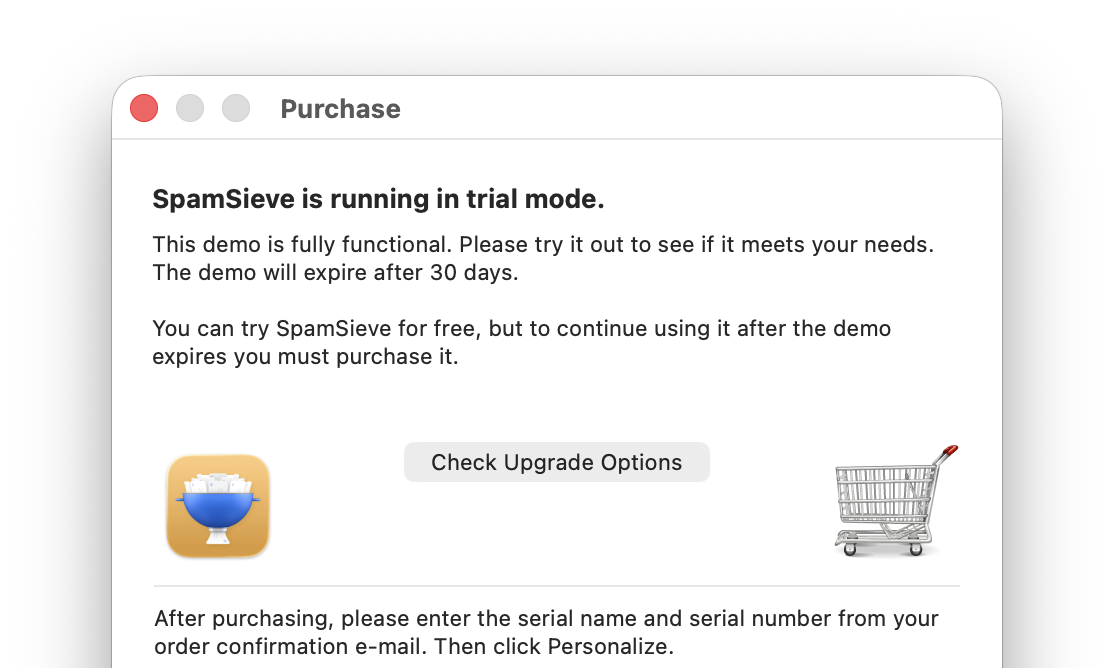 SpamSieve 3.3.1 is a free update for those who have already purchased the SpamSieve 3.0 upgrade. If you’re using SpamSieve 2 and haven’t upgraded yet, the easiest way is to first let SpamSieve install the new version. At launch, it will show the Purchase window, and you can click the Check Upgrade Options button to get the upgrade discount without having to enter your old serial number.
The changes in this version are:
 Made various changes to improve SpamSieve’s filtering accuracy.
- Made various optimizations to reduce SpamSieve’s memory use when processing large amounts of data.
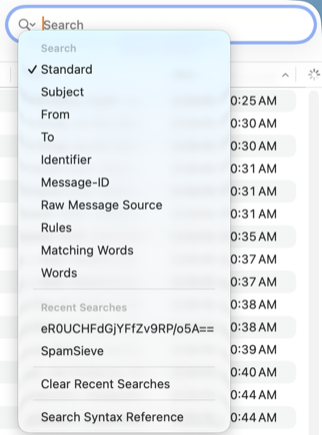
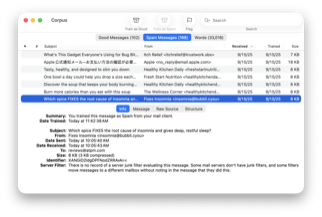
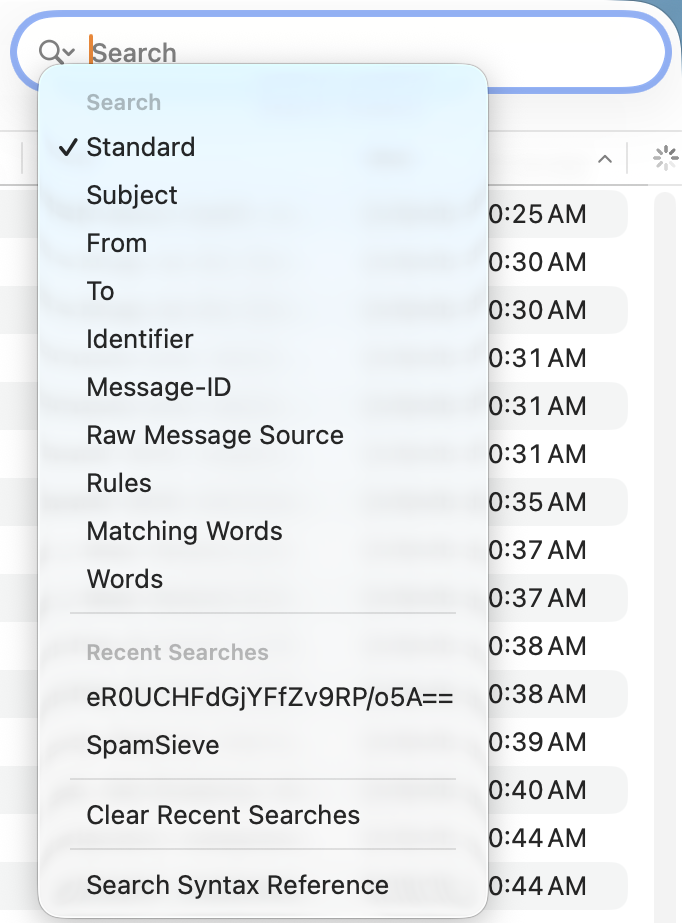
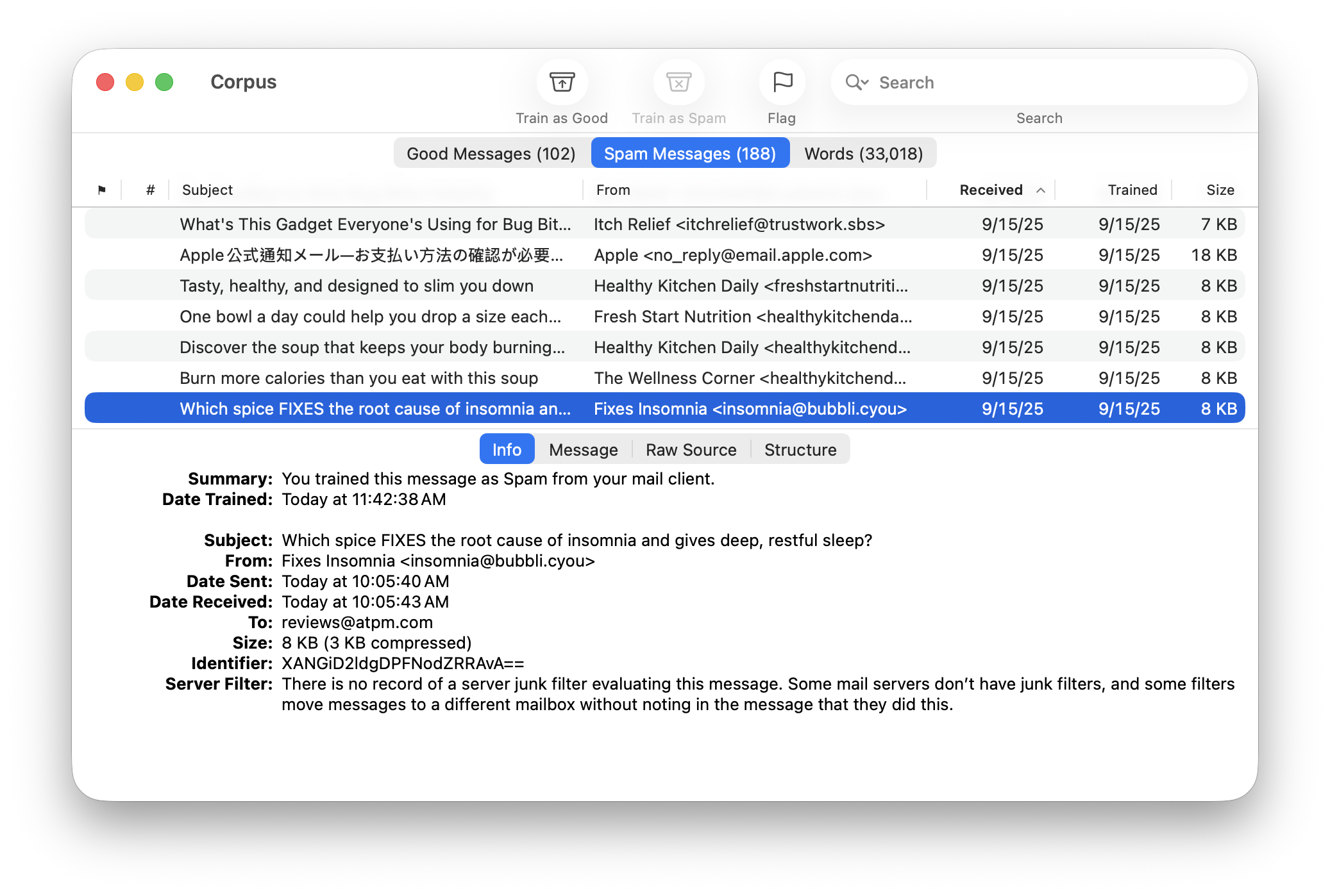
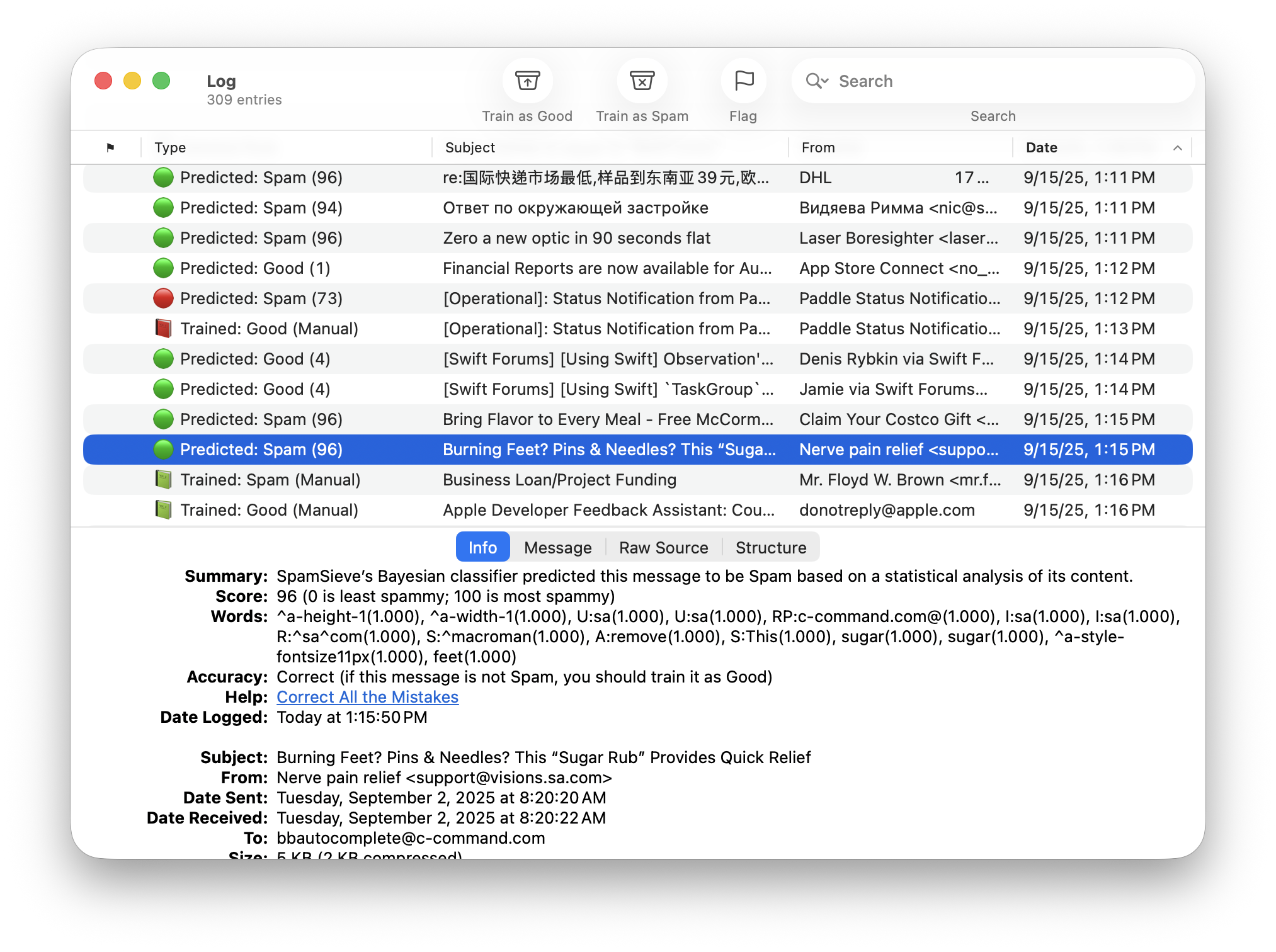
- Made various optimizations to speed up searching by word in the Corpus and Log windows.
- When the same message is filtered more than once, the earliest prediction is now used for accuracy statistics calculations.
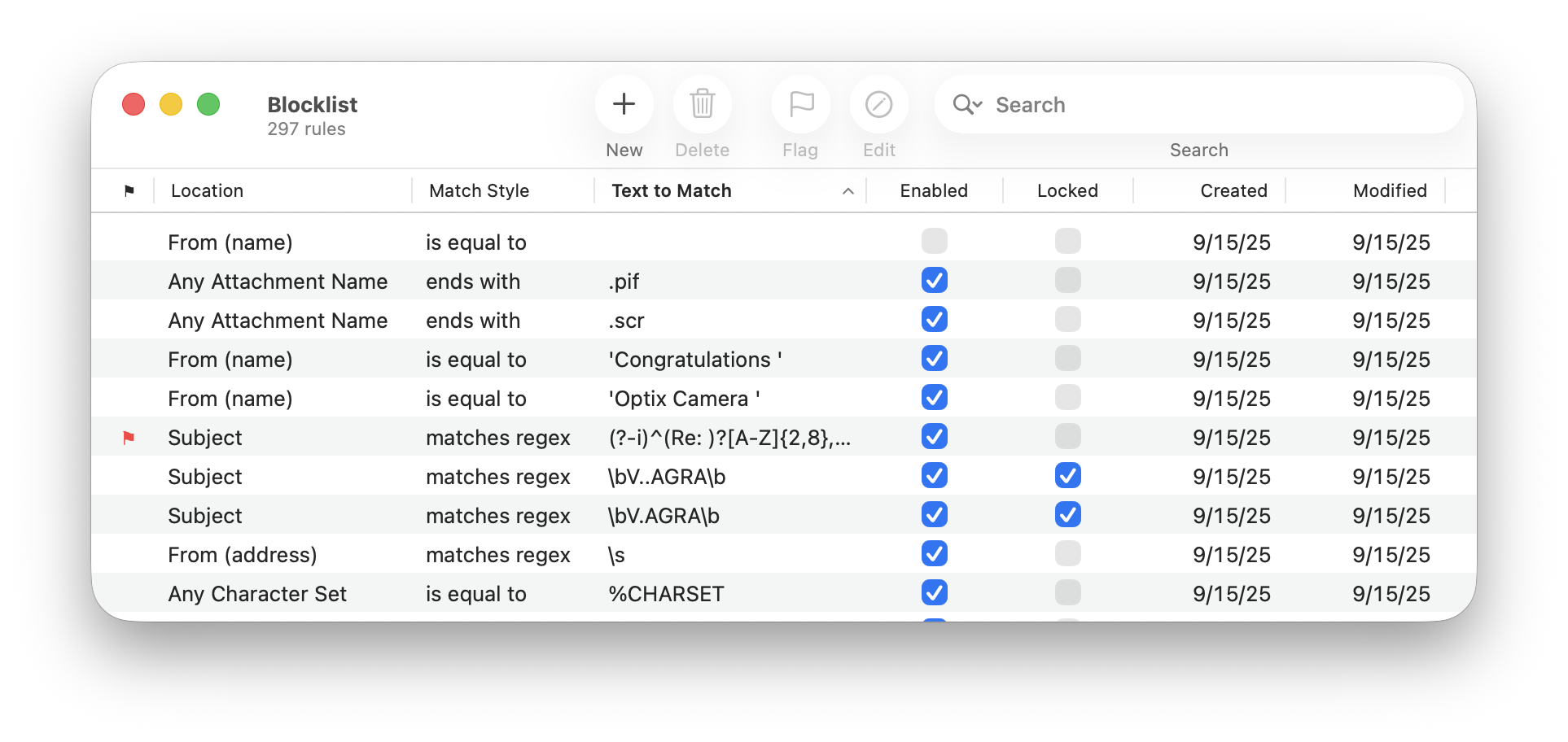
- The Copy Allowlist/Blocklist Addresses script has been updated and now uses a dedicated script property to make it much faster when you have lots of rules.
 Accessing rules and words via AppleScript is much faster and now works with very large amounts of data, which previously would have triggered an AppleScript error about running out of memory.
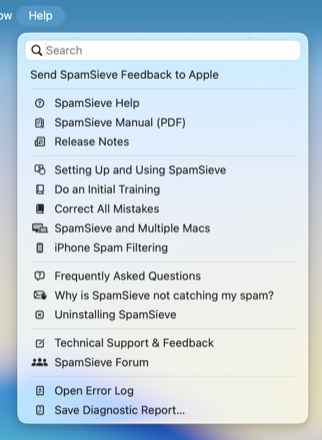 Added the Traveling Away From Your Mac section of the manual and a link from the Settings window.
- Improved the following sections of the manual:
- Improved the tooltips in table views.
- Date and number formatting now automatically updates when the Mac’s locale changes.
 Improve handling of Unicode in filenames
- Improved the diagnostic report.
- Worked around a Core Data bug that could prevent the database from being saved.
- Worked around a Core Data bug that could cause a crash when calculating accuracy statistics if the database was damaged.
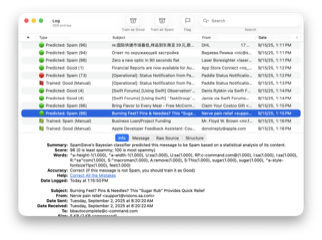 Worked around a Core Data bug that could cause spurious errors when pruning the log.
- Fixed a bug where Settings ‣ Apple Mail ‣ Setup would continue warning about Check inboxes for new messages not sent to Mail extension being disabled even after you had enabled it.
- Fixed crash opening certain windows on macOS 10.13.
- Made various updates for Xcode 27 and macOS 27.
- Updated the German localization.
SpamSieve 3.3.1 works with macOS 10.13 (High Sierra) through macOS 27 (Golden Gate) and requires an e-mail client. Older SpamSieve versions are available for older versions of macOS. In-depth information about SpamSieve is available in the manual.
If you enjoy using SpamSieve, please take a moment to review it on MacUpdate or to mention it on Twitter, Mastodon, Instagram, Facebook, or your own site. We’d really appreciate it.