
EagleFiler 1.9.20
March 16th, 2026 (EagleFiler)
Version 1.9.20 of EagleFiler is now available.
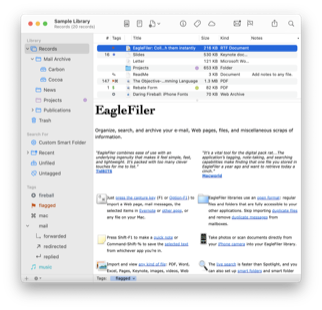
EagleFiler makes organizing and managing your information easy. It lets you archive and search Web pages, mail, PDF files, images, audio/video files, and more. Edit RTF, plain text, and Markdown files using a familiar three-pane interface. Organize files of all types into folders and annotate them with tags and notes, or leave everything in one folder and pin-point the information you need using the live search or a smart folder. Since EagleFiler stores its library in Finder format, you can use it in concert with the other tools in your Mac ecosystem.
EagleFiler is a digital filing cabinet, an information organizer, and a note-taking app. You can use it to archive and search large amounts of e-mail, write a journal, track the files for a project, save local copies of Web pages, store financial statements, run a paperless office, or plan a trip. Use EagleFiler as a bookmark manager, a recipe database, a snippet collector, a document manager, or an issue tracker. Organize scientific research papers or legal records, assemble a scrapbook, or keep a notebook for a college course. It’s the most flexible tool on your Mac.
This is a free update that includes the following enhancements:
 Worked around a change in the forthcoming macOS 26.4 that caused EagleFiler to crash at launch. If you’ve updated to macOS 26.4 before updating EagleFiler, you won’t be able to launch EagleFiler to use its auto-update feature, but you can download and install the update manually as described in the Updating From a Previous Version section of the manual.
- When launching EagleFiler on macOS 26.4 or later, macOS may show a “Support Ending for Intel-based Apps” notification. Currently, EagleFiler relies on Rosetta 2, which Apple has committed to supporting until macOS 28 in fall 2027. EagleFiler’s indexer has been ARM-native for a long time. The rest of the app relies on some third-party Intel-based libraries that will not be ported. We’ve been working on removing these dependencies and rewriting the app in Swift. This is a big project, but it should provide many advantages, both in performance and in a newer architecture that can serve as a foundation for many years to come. We expect to finish this and have EagleFiler running fully natively on Apple silicon before macOS 28 is released.
 Added the Import From Paperless script. This lets you import files from Mariner Software’s Paperless app (formerly called ReceiptWallet), which has been discontinued. The categories, collections, and other metadata will be translated to folders, tags, and notes in EagleFiler.
- When importing from Evernote, EagleFiler is better at handling attached files that have no filename extension and notes that contain an attached file but only whitespace for the note text.
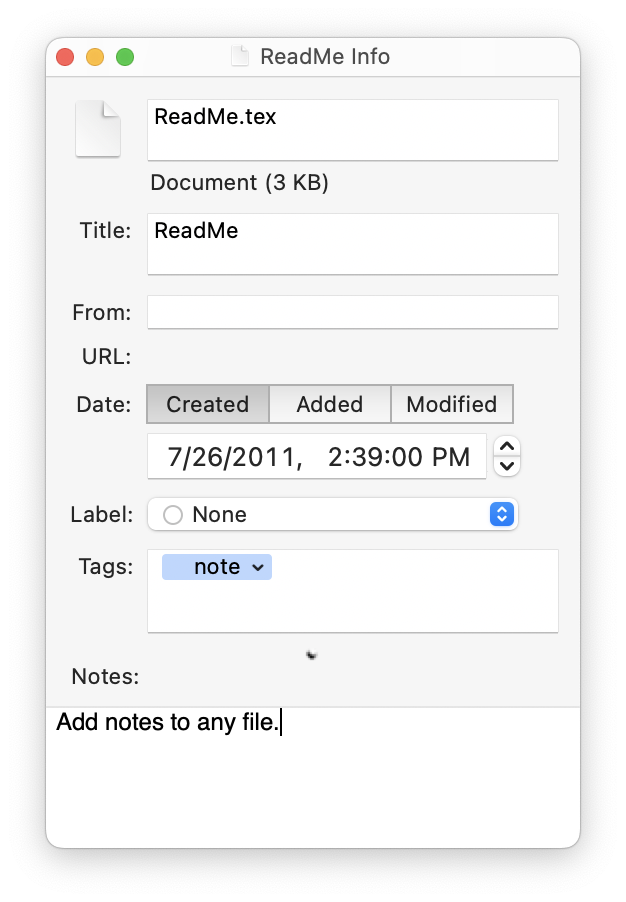
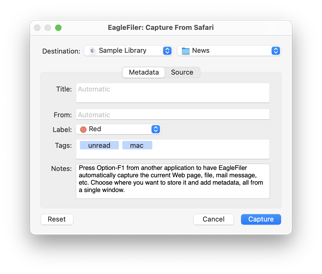 The capture key now works with the Apple Creator Studio versions of Keynote, Numbers, and Pages.
- Added the Append Current Date to Filename and Append Prior Month Date to Filename scripts.
- The
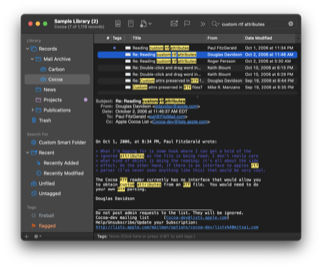
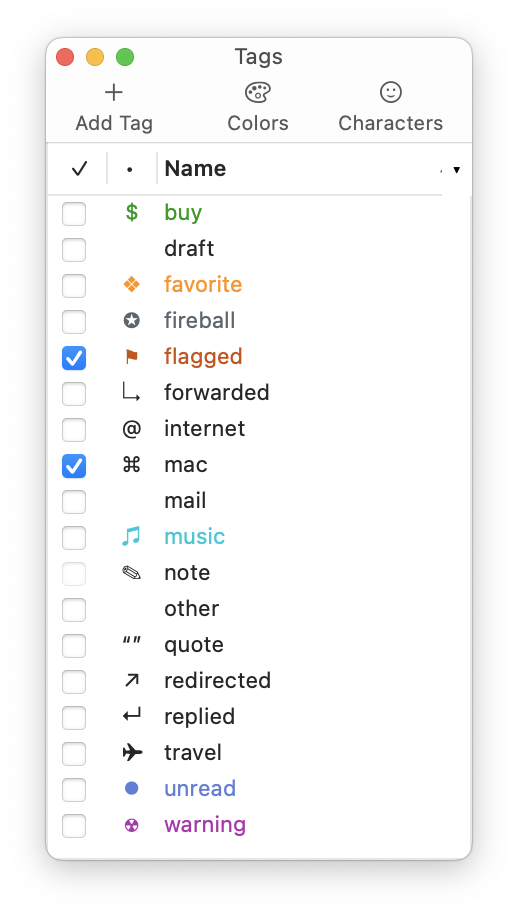
Keywordsheader of e-mail messages is now indexed for searching. 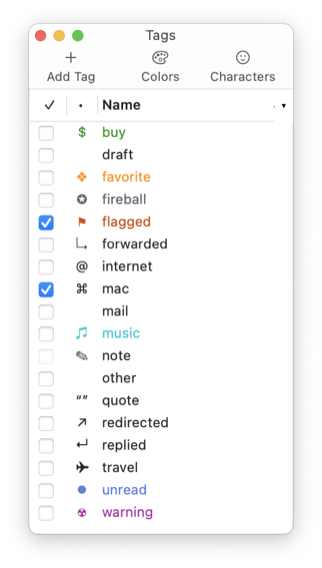 You can now change the name of a tag via AppleScript.
- Deleting a tag now deletes its child tags instead of just changing their parents.
- Added the Differing Message Counts Importing From Apple Mail section of the manual.
- Updated the following sections of the manual:
- Updated the Remove Duplicate Messages script to fix a problem where it could time out if EagleFiler was already very busy with other tasks.
- Worked around an issue with macOS Tahoe 26 where windows would still receive mouse clicks after they were closed, preventing them from going through to the app below EagleFiler.
- Worked around a macOS bug that could cause a crash when viewing a Web archive on a Mac with a Touch Bar.
- Made some changes to try to prevent a crash when displaying a table cell.
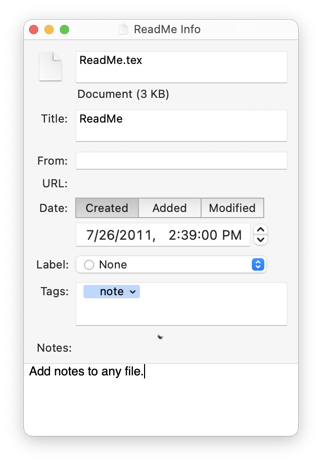 Fixed an internal error that could occur when checking whether a record needed to be indexed.
- Fixed a bug where audio or video files could be left open after closing a library (thus preventing the volume from being ejected).
- Fixed an error that could occur when launching a second copy of EagleFiler at the same time.
- Fixed a regression where the diagnostic report didn’t include the error log.
- Updated to version 1.6.3 of the SkimNotes framework.
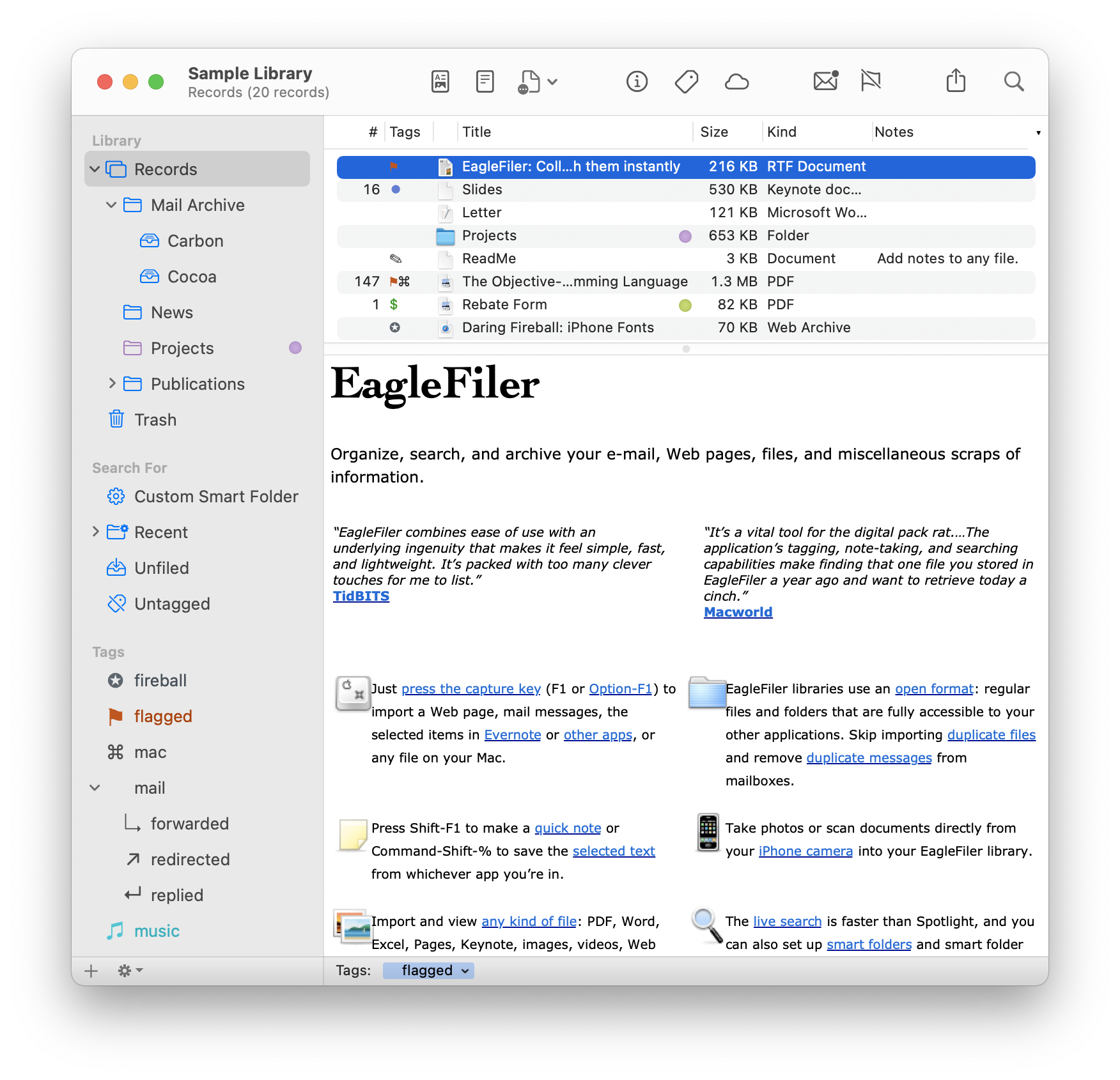
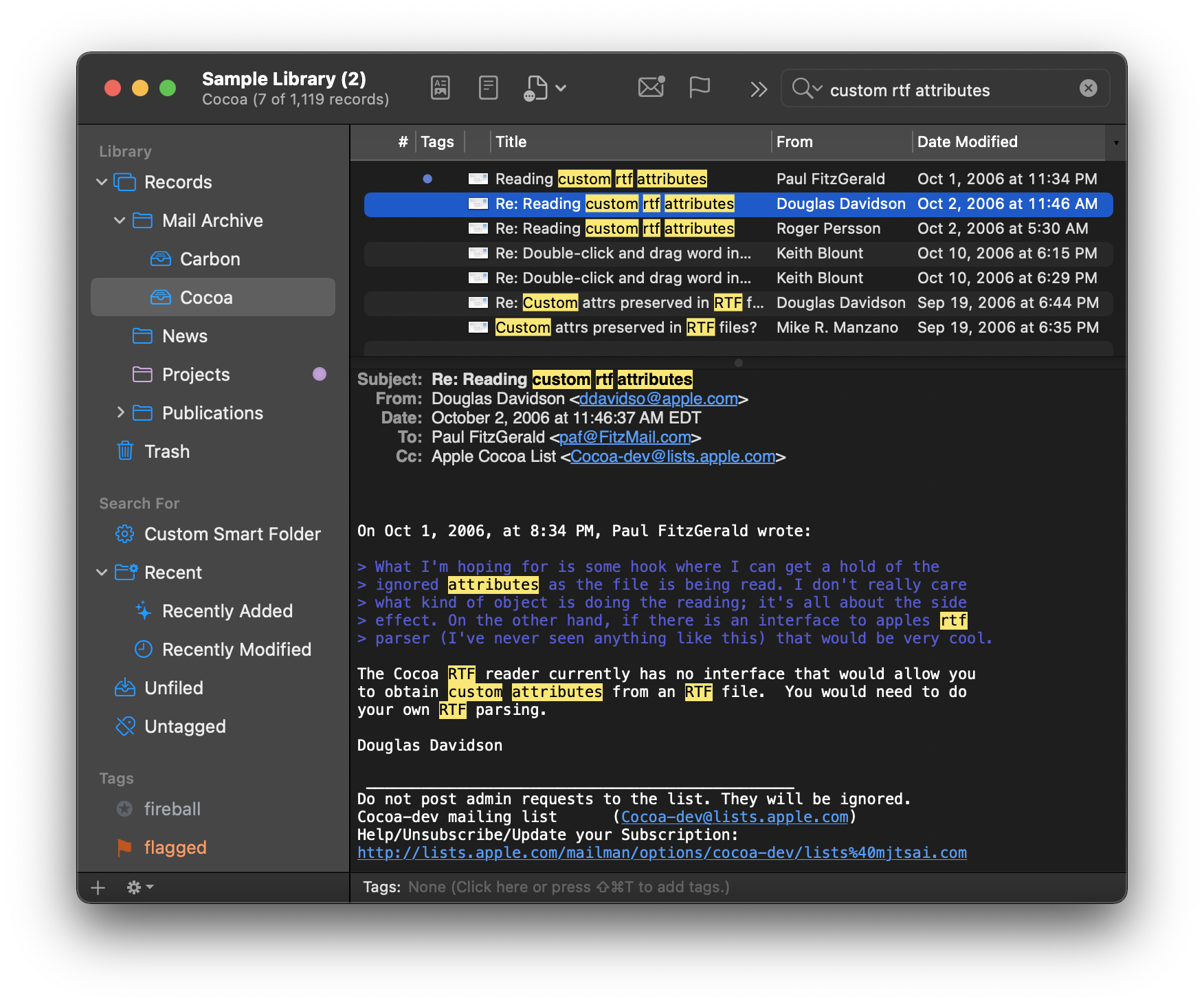
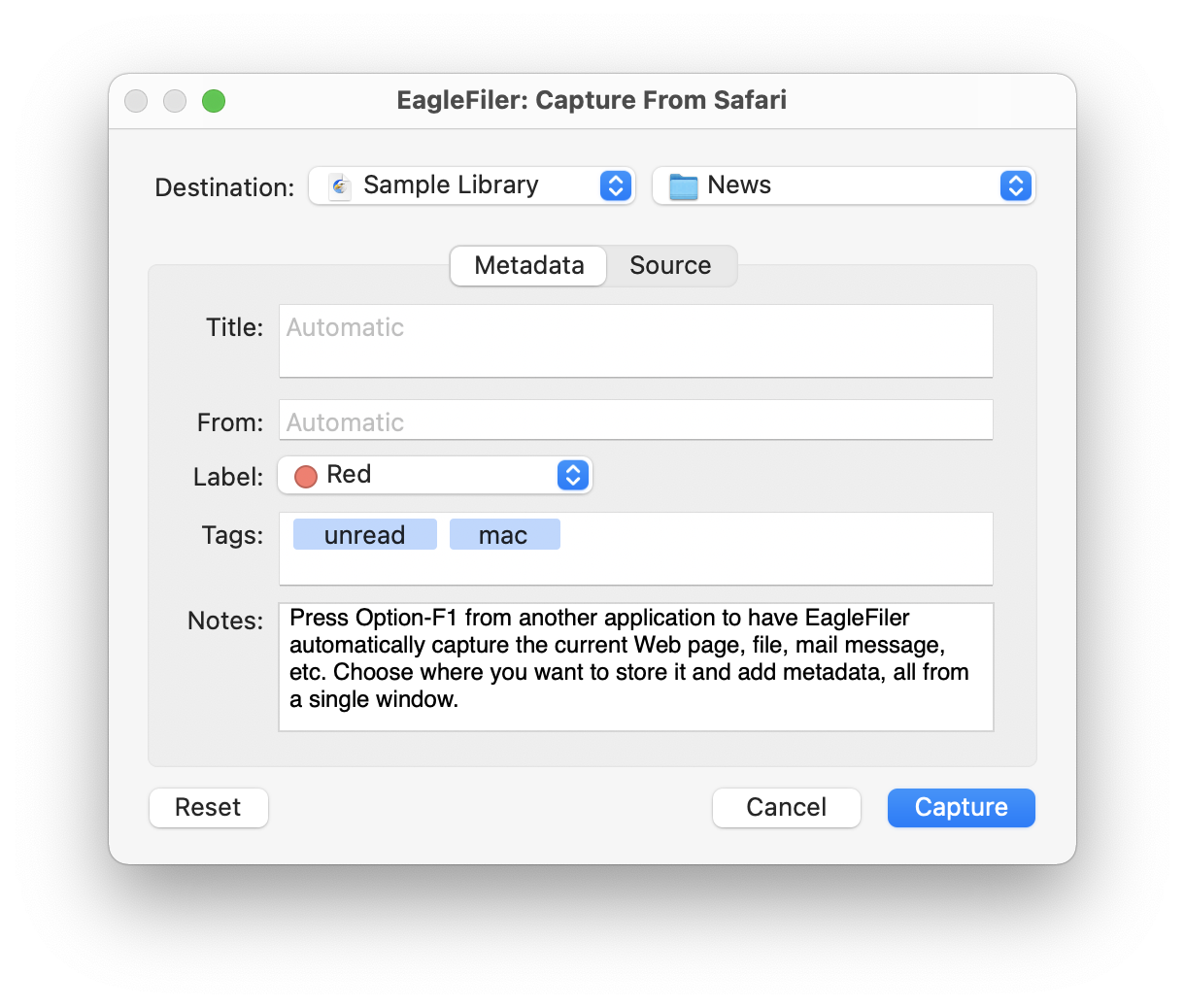
EagleFiler 1.9.20 works with macOS 10.13 through macOS Tahoe 26. Older EagleFiler versions are available for older versions of macOS. In-depth information about EagleFiler is available in the manual.
If you enjoy using EagleFiler, please take a moment to review it on the Mac App Store or MacUpdate or to mention it on Twitter, Mastodon, Instagram, Facebook, or your own site. We’d really appreciate it.
Update (2026-03-16): EagleFiler 1.9.20 has been submitted to the Mac App Store and is awaiting approval from Apple.
Update (2026-03-23): EagleFiler 1.9.20 is now available from the Mac App Store.