
EagleFiler 1.9.22
October 1st, 2026 (EagleFiler)
Version 1.9.22 of EagleFiler is now available.
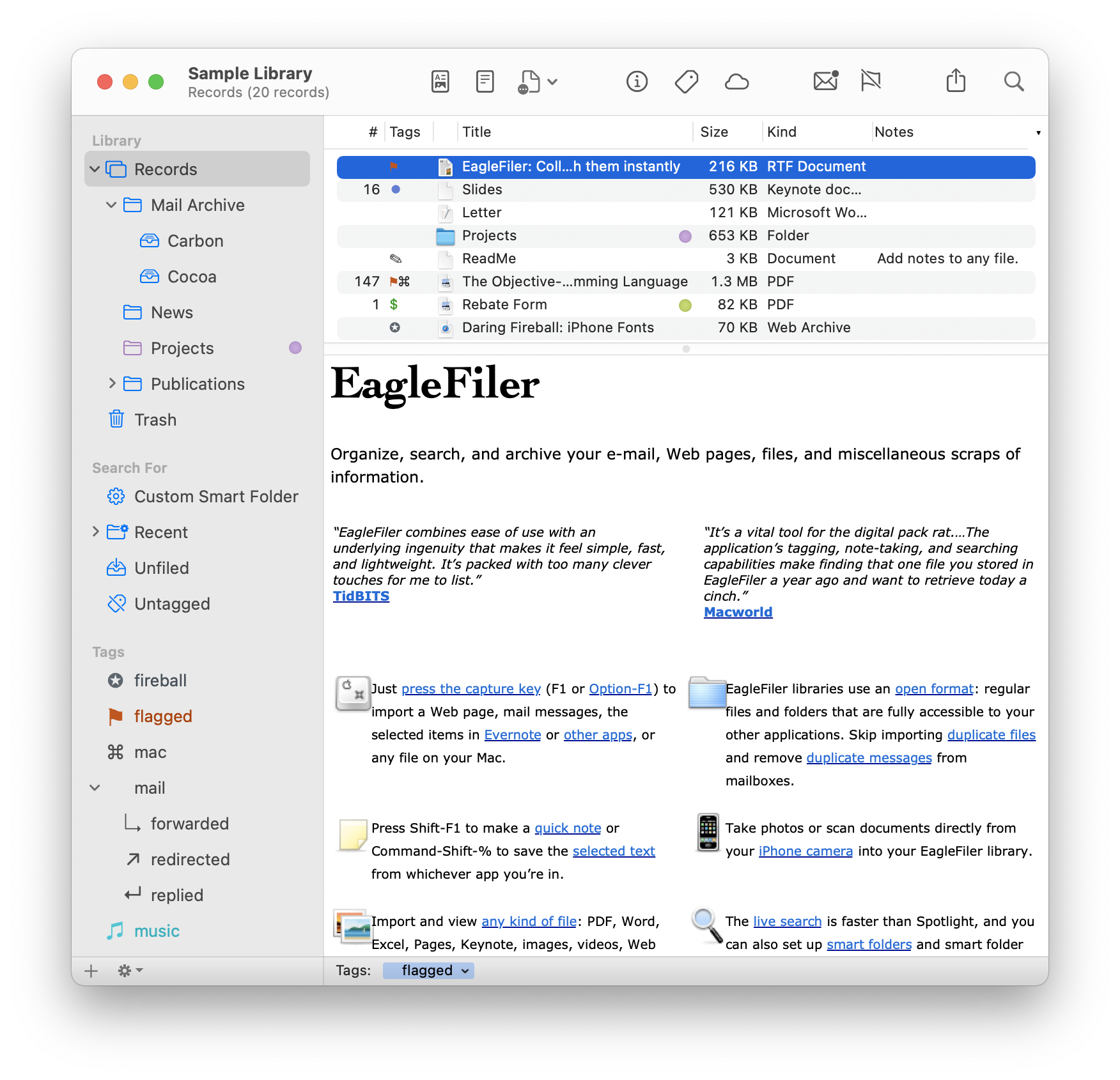
EagleFiler makes organizing and managing your information easy. It lets you archive and search Web pages, mail, PDF files, images, audio/video files, and more. Edit RTF, plain text, and Markdown files using a familiar three-pane interface. Organize files of all types into folders and annotate them with tags and notes, or leave everything in one folder and pin-point the information you need using the live search or a smart folder. Since EagleFiler stores its library in Finder format, you can use it in concert with the other tools in your Mac ecosystem.
EagleFiler is a digital filing cabinet, an information organizer, and a note-taking app. You can use it to archive and search large amounts of e-mail, write a journal, track the files for a project, save local copies of Web pages, store financial statements, run a paperless office, or plan a trip. Use EagleFiler as a bookmark manager, a recipe database, a snippet collector, a document manager, or an issue tracker. Organize scientific research papers or legal records, assemble a scrapbook, or keep a notebook for a college course. It’s the most flexible tool on your Mac.
 This is a free update that includes the following enhancements:
- Worked around several bugs in macOS 27 that could cause hangs or errors when importing mail from Apple Mail via drag and drop.
- Worked around a bug in macOS 27 that could cause a hang when displaying certain HTML e-mail messages.
- Worked around bugs in macOS 27’s readers for PDF and Microsoft Word files that could cause indexing to use lots of memory and never complete.
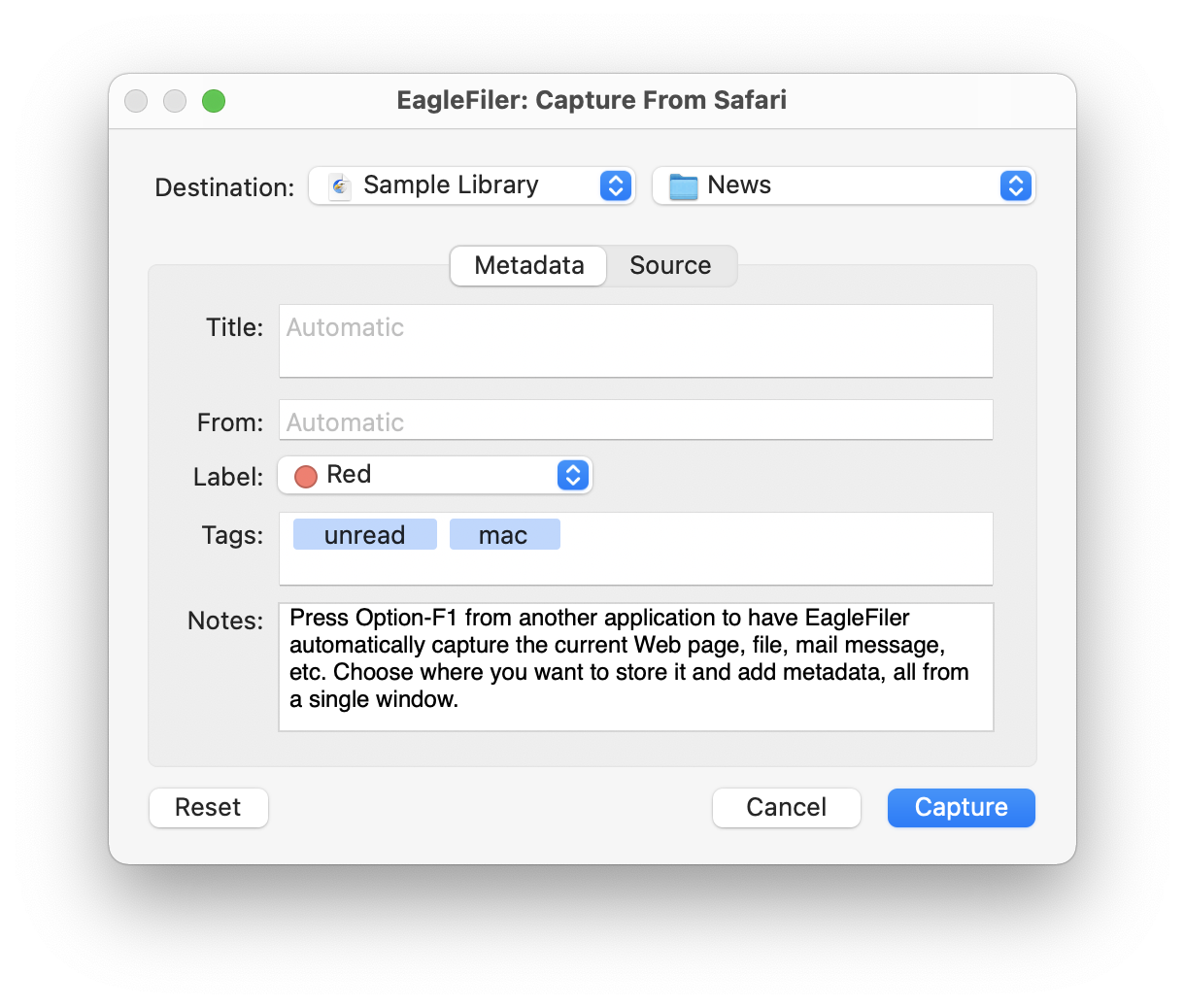
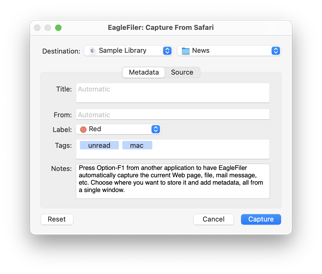 The capture key now works with the Thorium Web browser.
- Updated the following sections of the manual:
 Importing from Mariner Paperless is better at reporting progress and errors.
- Updated the crash reporter layout.
- Fixed a bug where replacing an old diagnostic report with a new one didn’t work.
EagleFiler 1.9.22 works with macOS 10.13 through macOS 27 Golden Gate. Older EagleFiler versions are available for older versions of macOS. In-depth information about EagleFiler is available in the manual.
If you enjoy using EagleFiler, please take a moment to review it on the Mac App Store or MacUpdate or to mention it on Twitter, Mastodon, Bluesky, Instagram, Facebook, or your own site. We’d really appreciate it.
Update (2026-10-01): EagleFiler 1.9.22 has been submitted to the Mac App Store and is awaiting approval from Apple.