3 Using SpamSieve
There are four basic steps to installing and using SpamSieve:
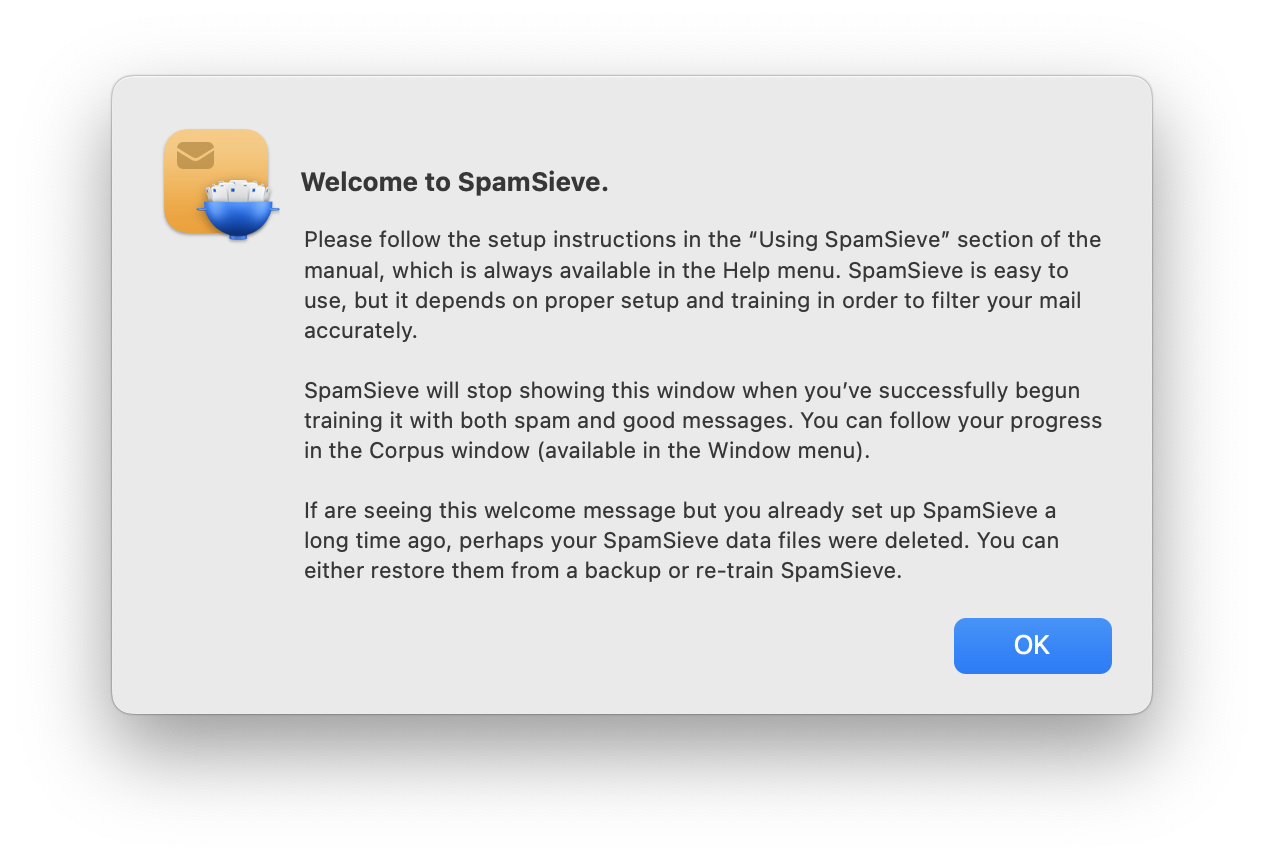
Put the SpamSieve application in your applications folder. This is described in the Installing SpamSieve section.
Set up your mail program to use SpamSieve to filter your mail. This is described in the Setting Up Apple Mail section, in other sections below, and in the Legacy Mail Programs section.
Train SpamSieve with some examples of your spam and good messages, as described in the Do an Initial Training section. (This step is optional but highly recommended. You can skip it if you don’t have any saved spam messages.)
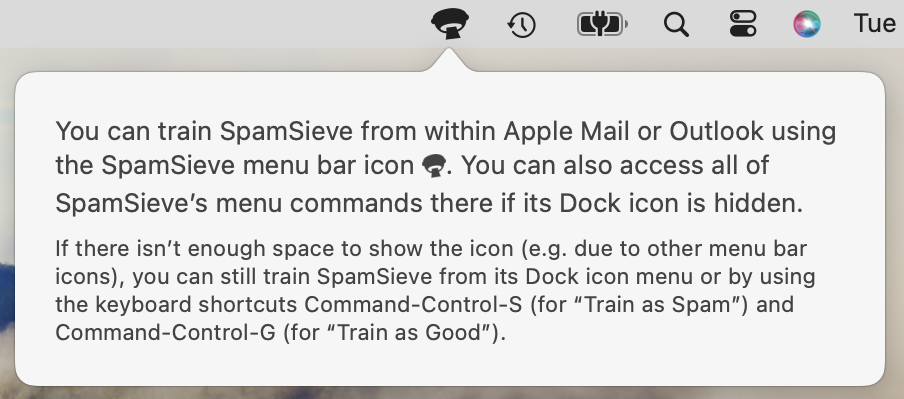
SpamSieve will launch automatically when new mail arrives. It will examine each incoming message and move the spam messages to a separate mailbox. In order to keep SpamSieve’s accuracy high, you’ll need to tell it about any spam messages that you find in your inbox or good messages that you find in your spam mailbox. This is described in the Correct All Mistakes section.
You can return to this page at any time by going to SpamSieve’s Help menu and choosing Setting Up and Using SpamSieve. The Help menu also contains a PDF version of this manual, which is easier to search and print.
The rest of this manual contains detailed information about how SpamSieve works and how it can be customized. If you have a question, it’s probably answered here. However, following the above four steps is all most users will need to do to effectively use SpamSieve.
- 3.1 Setting Up Apple Mail
- 3.2 Setting Up Apple Mail (Plug-In)
- 3.3 Setting Up Airmail
- 3.4 Setting Up GyazMail
- 3.5 Setting Up MailMate
- 3.6 Setting Up MailMaven
- 3.7 Setting Up Outlook
- 3.8 Setting Up Outlook (Large Inboxes)
- 3.9 Setting Up Gmail, iCloud, Yahoo, AOL, or Other Web Mail
- 3.10 Setting Up Other Mail Clients
- 3.11 Do an Initial Training
- 3.12 Correct All Mistakes
- 3.13 SpamSieve and Multiple Macs
- 3.14 iPhone Spam Filtering