2.2 Installing SpamSieve
If you have not already done so, go to the SpamSieve Web site and click the Download (Free Trial) button. (The trial and full version of SpamSieve are the same file.) After it finishes downloading, double-click the SpamSieve-3.3.dmg file.
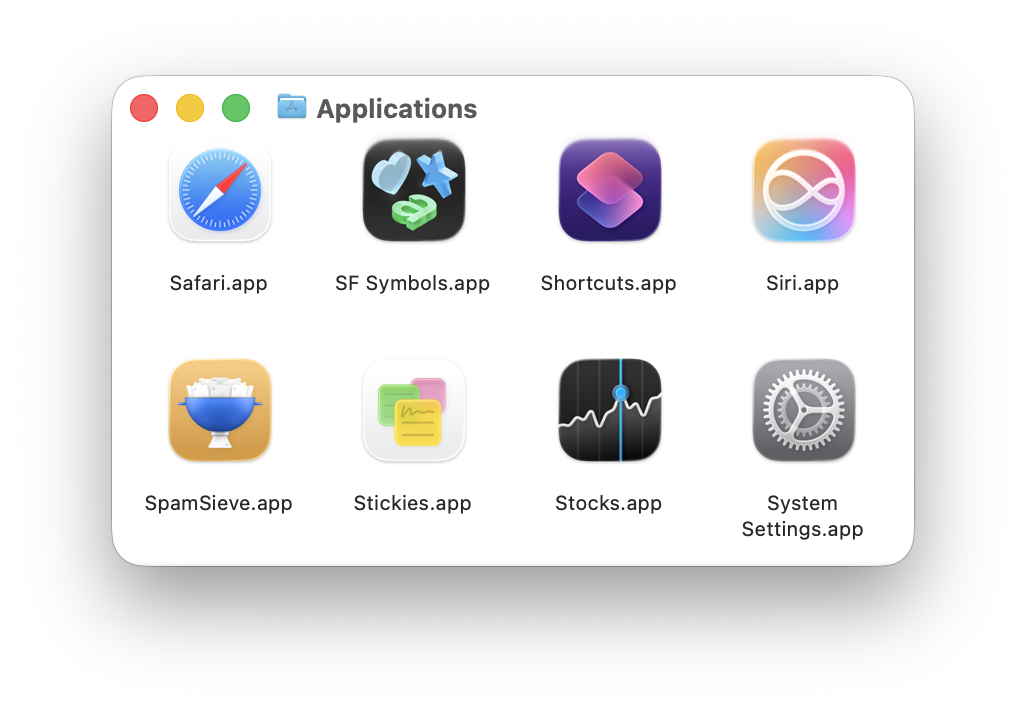
Drag the SpamSieve icon onto the Applications folder. (It is important that SpamSieve be installed directly in the Applications folder—not in another folder, or in a subfolder—because otherwise your mail program might not be able to find it.)
Double-click the Applications folder to open it.
Double-click the SpamSieve icon to launch it. (If macOS won’t launch the app because it says that it’s damaged, please see the Download Fixer page.)
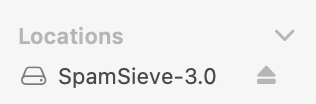
Eject the SpamSieve-3.3 icon.
Next, you must follow the instructions in the Using SpamSieve section in order to set up your mail program to use SpamSieve.