6.4.3 Settings ‣ Outlook ‣ Training
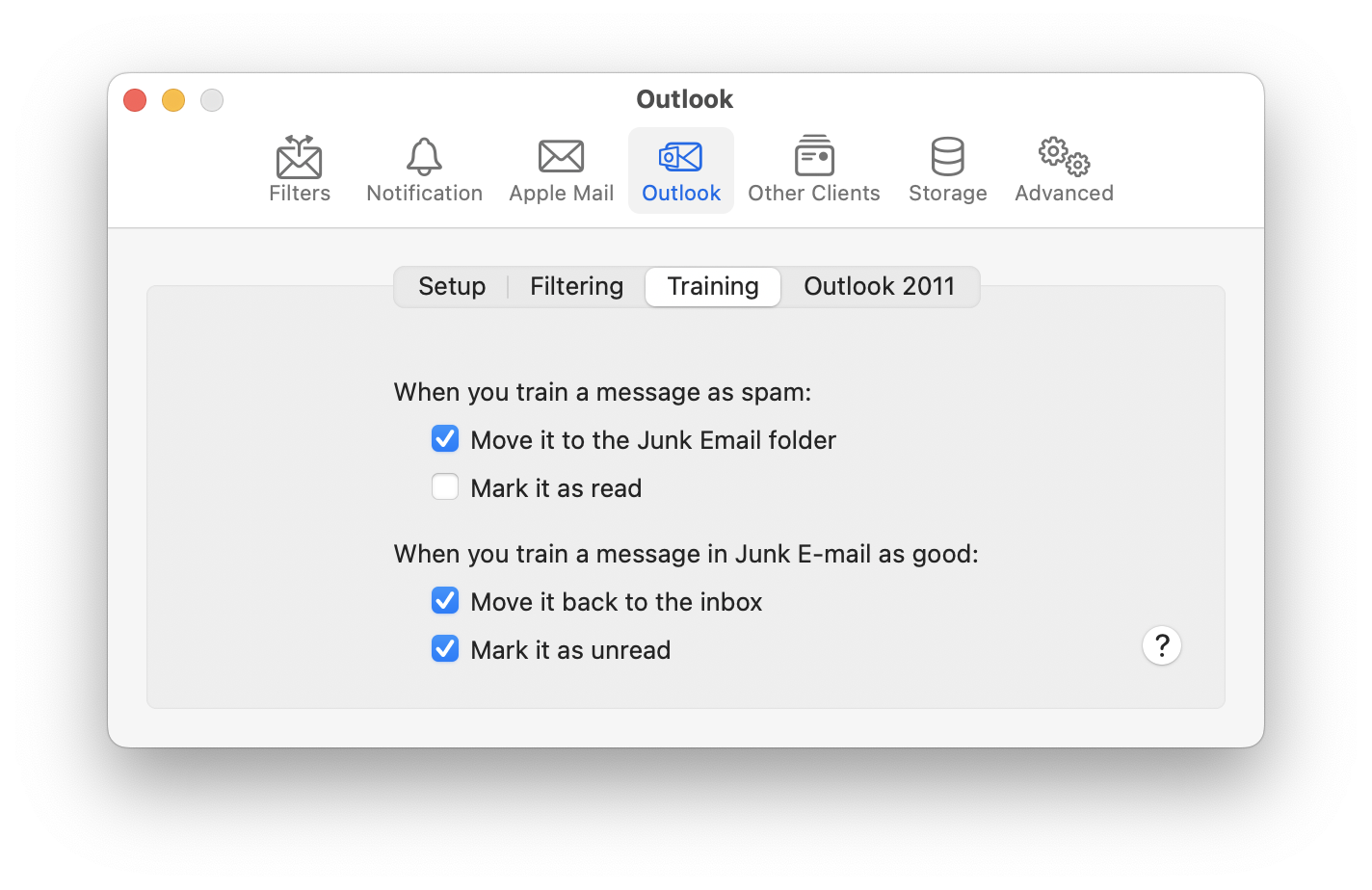
When you train a message as spam:
- Move it to the Junk Email folder
- This lets you control whether SpamSieve leaves it in its current location or moves to the Junk Email folder.
- Mark it as read
- SpamSieve will mark the message as read so that you aren’t distracted by the unread count in Outlook’s sidebar.
When you train a message in Junk Email as good:
- Move it back to the inbox
- If the messages is in the Junk Email folder, SpamSieve will move it back to the inbox.
- Mark it as read
- SpamSieve will mark the message as unread, so that it’s now treated as a new message.
If you don’t see the training commands in SpamSieve’s menu bar icon, please see the Show menu bar icon section.